

Annotations help you remember what happened on a date, such as a creative change or the start of a promotion.
Add a note
- Choose a date range longer than one day on the Dashboard.
- In the Performance chart, hover over a date on the horizontal axis and select the annotation marker.
- Enter your note, check the date, and select Save annotation.
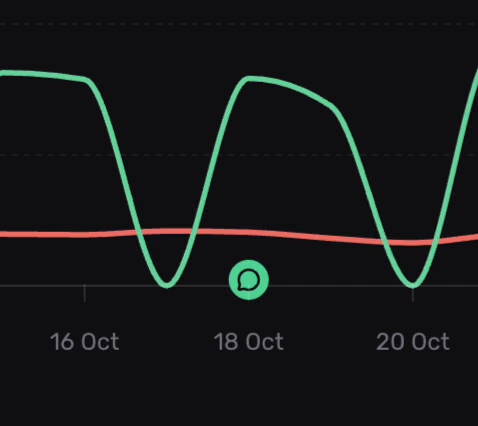
Select a marker again to view its notes. From the annotation dialog you can edit or delete an existing note, or add another. A numbered marker indicates how many annotations are associated with that point on the chart.